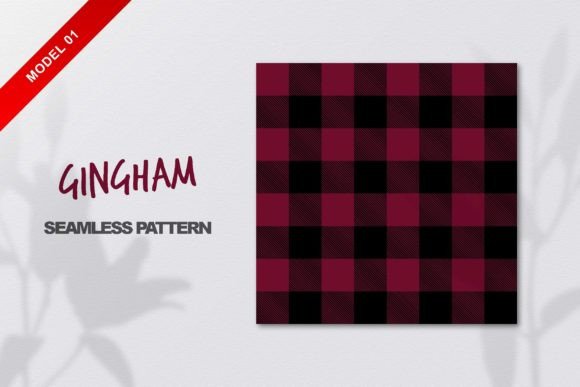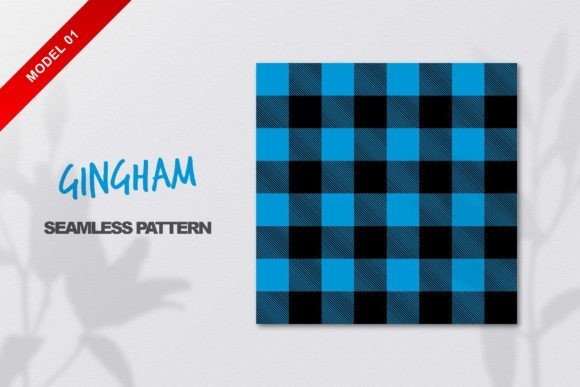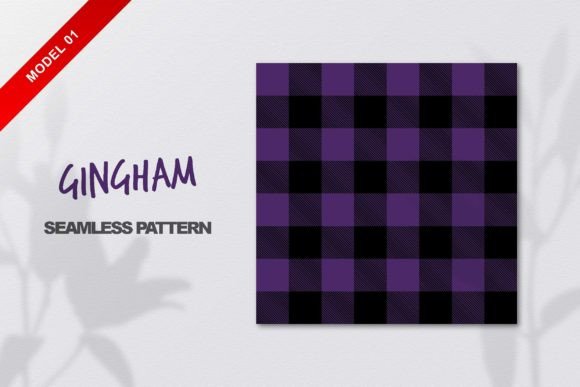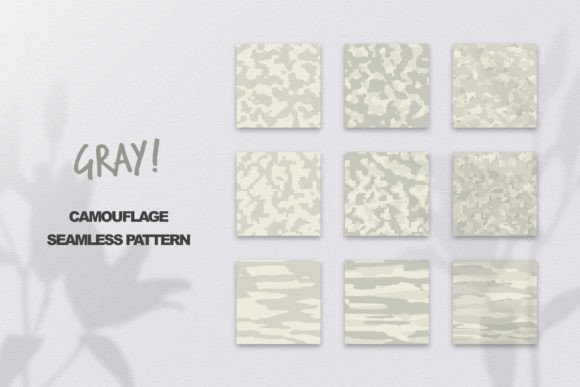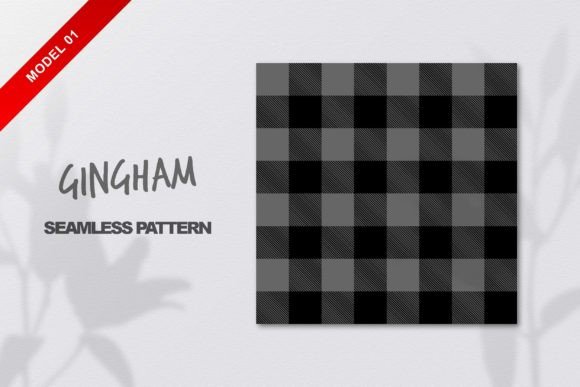
Gray Gingham Seamless Pattern
If you've ever admired the clean, timeless charm of gingham—especially in soft, versatile gray—you’ll appreciate how effortlessly this Gray Gingham Seamless Pattern brings that classic texture into modern design work. It’s not just a background; it’s a flexible, professional-grade resource built for real-world use.
What Makes This Pattern Stand Out?
This isn’t a pixelated or stretched image—it’s a true seamless pattern, meaning it repeats smoothly in all directions without visible edges or breaks. That’s essential whether you’re tiling it across a full website banner, wrapping it around a product mockup, or scaling it up for large-format printing. The pattern is also delivered as 100% vector, so it stays razor-sharp at any size—no blurriness, no quality loss.
You receive two ready-to-use files: one EPS CC file (ideal for Adobe Illustrator and other vector editors) and one high-res JPG at 4750 x 4750 pixels. That resolution gives you plenty of room to crop, zoom, or adapt the pattern for print projects like stationery, fabric swatches, or packaging—while the vector version lets you recolor, resize, or tweak spacing with total control.
Why Designers & Creators Choose Gray Gingham
Gray is quietly powerful. It’s neutral enough to pair with almost any color palette, yet warm and grounded—not cold or sterile. When rendered in gingham’s balanced checkered structure, it adds subtle rhythm and visual interest without overwhelming your content.
Think about where this helps:
- Branding & Marketing: Use it as a textured background for email headers, social media banners, or presentation slides—adding sophistication without distracting from your message.
- Print & Packaging: Apply it to business cards, gift tags, or label designs for small-batch products (like artisanal soaps, coffee beans, or handmade notebooks).
- Digital Products: Integrate it into UI kits, Notion templates, or Canva layouts where users want cohesive, tactile-feeling aesthetics.
- Educational Materials: Teachers and course creators use it for printable worksheets or slide decks to make learning resources feel more inviting and polished.
Beginner-Friendly Uses You Can Try Today
You don’t need advanced software skills to get started. If you're new to design tools:
- Open the JPG in Canva, PowerPoint, or Google Slides → set it as a background → adjust transparency slightly if needed for readability.
- In Photoshop or Affinity Photo, drag the JPG onto your canvas and use “Edit > Define Pattern” to create a custom fill—then apply it to shapes or layers.
- Import the EPS into Illustrator → ungroup and edit individual squares to change spacing, scale, or even alternate shades of gray for a custom variation.
Because it’s seamless and vector-based, you won’t hit limits when experimenting. Want wider checks? Scale the vector. Prefer a cooler or warmer gray? Adjust the fill color in seconds. Need it lighter for text overlays? Lower the opacity—no extra steps required.
Where This Pattern Fits Into Real Projects
A freelance graphic designer used this Gray Gingham Seamless Pattern to unify a client’s rebrand—applying it subtly behind logos on letterheads and weaving it into their Instagram story highlights. A small-batch candle maker printed it on kraft paper labels, giving her eco-friendly packaging a refined, handcrafted look. An educator created printable weekly planners with the pattern as a gentle grid background—students reported finding them “calmer to look at” than plain white layouts.
It works especially well when you want texture that supports—not competes with—your core content. Unlike bold florals or busy geometrics, gray gingham adds quiet cohesion. It’s the kind of detail that makes people pause and think, “This feels thoughtfully made.”
Things to Keep in Mind Before You Use It
While this pattern is highly adaptable, consider these practical points:
- Color contrast matters: If placing light gray text over the pattern, test legibility first—especially at smaller sizes. A slight drop shadow or semi-opaque overlay can help.
- Scale affects perception: At very small sizes (e.g., icons or tiny buttons), the checkered structure may blur visually. For those cases, simplify by using a solid gray or reducing the pattern’s scale before exporting.
- Licensing is straightforward—but check usage scope: This is intended for personal and commercial projects, including client work and physical products you sell. It doesn’t cover resale as a standalone pattern asset (e.g., uploading it to a marketplace as your own).
- Software compatibility: The EPS file works best in vector-based apps like Illustrator or CorelDRAW. If you only use raster tools (like older versions of Photoshop), rely on the high-res JPG—it’s large enough for most standard print and web needs.
Creative Freedom Starts With the Right Foundation
Having a reliable, well-built pattern like this saves time—and mental energy. Instead of wrestling with alignment issues or pixelation, you focus on what really matters: your idea, your message, your audience. Whether you’re building a Shopify store, designing a workshop handout, or crafting a mood board for a home renovation, this Gray Gingham Seamless Pattern offers consistency, quality, and quiet elegance.
And because it’s both vector and seamlessly tiled, you’re never locked into one application or output format. Resize it for a billboard or shrink it for an app icon background—you keep full creative control. No extra plugins, no complicated tutorials, no guesswork.
If something isn’t clear—or if you’re wondering how to adapt it for a specific project—reach out. Mangata built this with real use in mind, and support is part of the package. After all, great design shouldn’t come with friction. Just clean lines, thoughtful texture, and space to create freely.