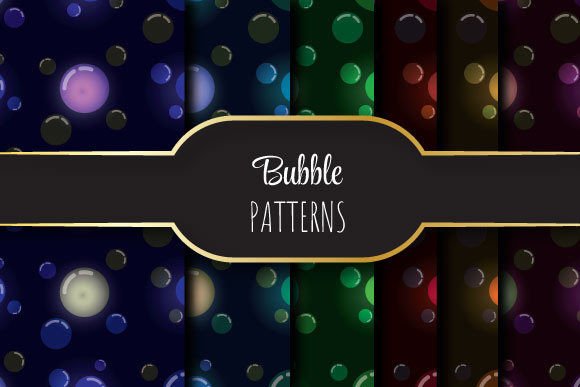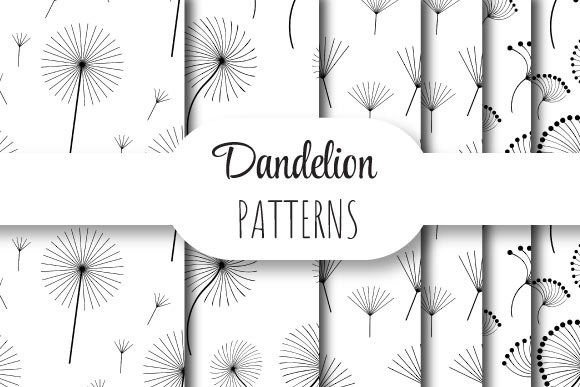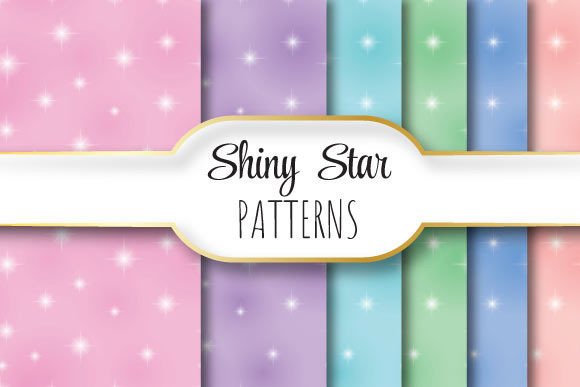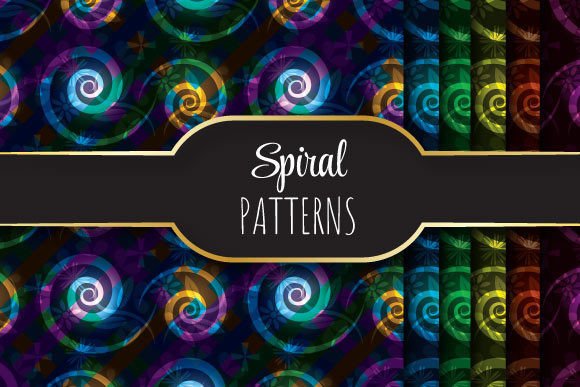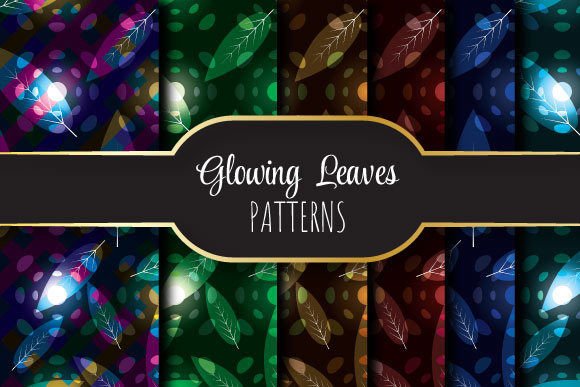
Glowing Leaves: Seamless Vector Patterns
Imagine a design element that feels alive—soft light radiating from delicate leaf shapes, arranged so smoothly that the pattern flows endlessly in any direction. That’s Glowing Leaves: a collection of elegantly lit botanical motifs crafted as seamlessly repeating vector patterns. It’s not just decorative—it’s functional, flexible, and ready for real-world use across print and digital projects.
What Makes Glowing Leaves Practical and Versatile?
Each pattern is built to tile perfectly—no visible seams, no awkward breaks. That means whether you’re covering a full business card or a 48-inch wall mural, the rhythm stays consistent. The glow isn’t an afterthought; it’s baked into the vector paths using subtle gradients and soft inner shadows, giving depth without sacrificing scalability.
The files arrive in a single ZIP folder containing one EPS 10 file (fully editable in Adobe Illustrator and compatible with most professional design software) plus six high-resolution JPEGs—each sized precisely at 12 × 12 inches (3600 × 3600 pixels) and set to 300 DPI. This ensures crisp output for both screen previews and premium print jobs like stationery, packaging, or fabric swatches.
Who Benefits Most From These Patterns?
Freelancers building brand identities often need polished, on-brand textures that don’t require hours of custom illustration. Educators designing classroom posters appreciate clean, nature-inspired visuals that feel calming yet modern. Small business owners launching eco-conscious product lines find Glowing Leaves a natural fit—its warmth and organic flow support sustainability messaging without cliché.
Bloggers and content creators use the JPEG versions for social media banners or email headers. Because the resolution is print-ready, they can also generate matching PDFs for downloadable guides or printable planners—no upscaling or pixelation worries.
Real-World Uses You Can Start With Today
- Stationery & Branding: Apply the pattern as a subtle background behind letterheads, invoice templates, or thank-you cards. The glow adds quiet sophistication without competing with text.
- Digital Presentations: Use a cropped section as a slide background in PowerPoint or Google Slides—especially effective for wellness, education, or lifestyle topics where tone matters as much as content.
- Print-on-Demand Products: Upload the JPEGs directly to platforms like Printful or Redbubble. The seamless repeat works beautifully on phone cases, tote bags, or notebook covers—no extra tiling work needed.
- Web & UI Elements: Slice a small portion for CSS background-repeat tiles, or use it as a hero section texture on a portfolio site. The soft lighting helps reduce visual fatigue compared to stark geometric patterns.
- Educational Materials: Teachers incorporate the motif into worksheets, flashcards, or bulletin board borders—nature-themed but refined enough for older students or adult learners.
Why Vector + High-Res JPEGs Matter Together
The EPS file gives you full creative control: change colors, adjust glow intensity, isolate individual leaves, or scale infinitely without quality loss. That’s essential if you’re adapting the pattern for multiple brand color palettes or integrating it into layered illustrations.
The six JPEGs offer immediate usability. Each is rendered at the same physical size (12 × 12 inches) and resolution (300 DPI), but with variations—some emphasize cooler tones, others warmer highlights—so you can match mood or season. No need to open Illustrator just to preview options.
Things to Keep in Mind Before You Use Glowing Leaves
While the seamless repeat is carefully engineered, always test your final layout at actual size. Zoom in closely when placing near edges or text-heavy zones—sometimes even subtle glows can affect legibility if contrast is low.
If you're using the pattern in packaging design, confirm bleed and trim requirements with your printer first. Though the files are print-ready, safe margins still apply—especially with glowing edges that may appear to extend slightly beyond the shape.
For web use, remember that large JPEGs (3600 × 3600 px) aren’t ideal for fast-loading pages. Resize or compress them appropriately—tools like Squoosh or Photoshop’s “Export As” make this quick. The EPS remains your source of truth for edits; the JPEGs are delivery-ready versions.
A Thoughtful Choice for Meaningful Design
Glowing Leaves stands out because it balances aesthetic appeal with technical reliability. It doesn’t shout—it invites attention gently. That makes it especially useful when your goal isn’t to dominate attention, but to support it: helping a message land more clearly, making a space feel more intentional, or giving a brand a quiet signature detail.
You don’t need advanced skills to get value from it. Beginners can drag and drop the JPEGs into Canva or Figma and start experimenting right away. Professionals will appreciate the clean vector construction—no stray anchor points, no embedded raster effects, and full CMYK/RGB flexibility.
It’s also thoughtful about context. Unlike overly stylized or trendy patterns, Glowing Leaves avoids dated textures or exaggerated effects. Its glow is soft, its lines are confident but unhurried, and its repetition feels natural—not mechanical. That longevity means you can use it across multiple projects over time without worrying it’ll feel “last year’s style.”
Getting Started Is Simple
Once downloaded, unzip the folder and open the EPS in Illustrator to explore layers and edit colors—or open any JPEG in your preferred editor for quick placement. Try overlaying it at 10–20% opacity behind typography to add dimension without distraction. Rotate a section 45 degrees for a fresh take on the repeat. Or extract a single leaf to use as a standalone icon or bullet point.
Because everything is sized consistently and built for compatibility, there’s little setup friction. Whether you're designing your first logo or your hundredth client presentation, Glowing Leaves saves time while elevating the result—not through complexity, but through considered simplicity.